 Caelvard
How to align a satellite dish with your iPhone
Find your satellite, aim a fixed TV dish with a phone compass or map, and use the receiver to confirm you have the right signal.
Look up the satellite your TV service uses, then calculate its direction and elevation from your dish location. An iPhone can guide those first adjustments. For the last few degrees, watch your receiver’s signal quality and confirm that you can tune a channel from your service.
Find out which satellite you need
Start with the satellite name or orbital slot in your provider’s setup instructions. A label such as 19.2°E describes a satellite’s position above the equator. Entering 19.2° as your compass heading would send you looking in the wrong direction. Two households aiming for the same satellite from different cities need different compass bearings.
These steps are for a fixed satellite TV dish you can reach from the ground. For a roof-mounted installation, use the receiver checks indoors and leave physical adjustments to an installer.
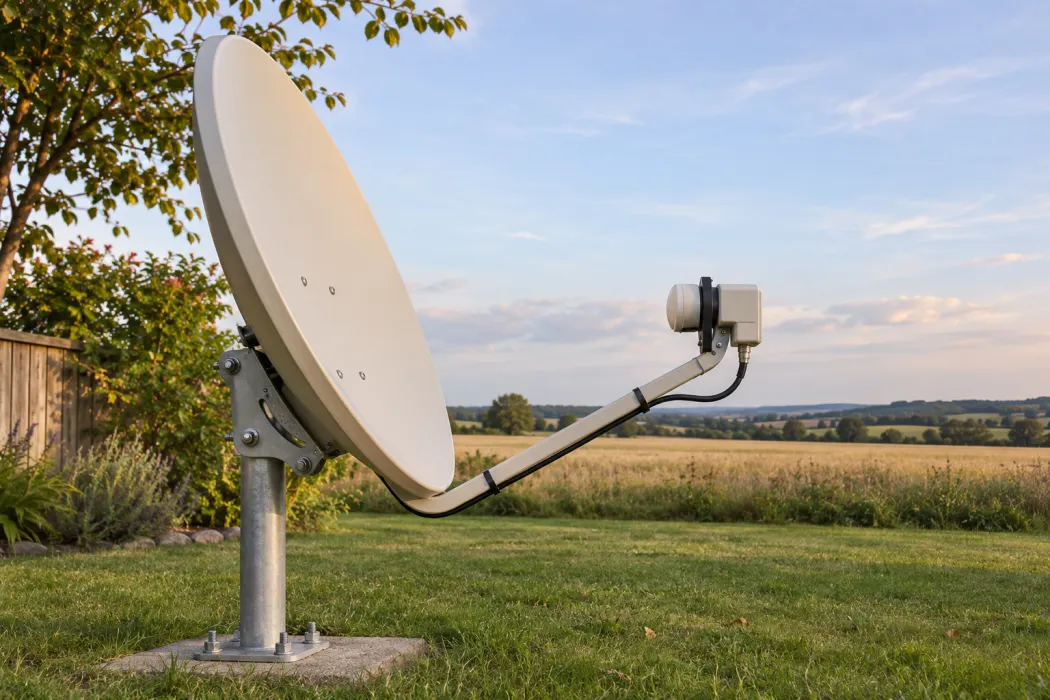
Set the direction and elevation separately
- Stand near the dish location and select your provider’s satellite in SatAlign. Azimuth tells you which direction to face along the horizon. Elevation tells you how far above the horizon to look.
- Step away from the metal mast before taking a compass reading. If the heading wanders while you stand still, switch to Map Direction. Pick a distant landmark along the indicated line, then sight toward it from the dish.
- Set the elevation on the dish bracket using its scale and your model’s instructions. An offset dish can look almost upright while receiving a signal from well above the horizon. Holding the phone flat against the dish face can give a misleading angle. How offset dish angles work
Finish with a receiver, even without a separate meter
Open the receiver’s installation or signal-quality screen for the intended satellite. From the starting position, make a small horizontal adjustment and pause for the display to respond. If quality improves, keep moving in small steps until it peaks. Repeat for elevation, then recheck after tightening the mount.
A strong level with zero quality is a reason to check the selected satellite and tuning settings. Before calling the job done, tune a known working channel from your provider. If a tree crosses the aiming direction, check the line of sight before spending more time turning the dish.
Find your starting direction with SatAlign
Open SatAlign at the dish, search for your satellite by name or orbital position, and follow its turn-by-turn pointing cues. The compass-confidence check helps you decide when to switch to the map. Your receiver provides the final signal reading.
Get SatAlign on the App Store